
Cost and install
- DB Studio
- Free (Runs in the browser)
- Microsoft Access
- Paid (Microsoft 365, Windows desktop app)
- LibreOffice Base
- Free (Desktop install (Windows, macOS, Linux))
For schools without Access licences and students working on Chromebooks, Macs, or a home computer, DB Studio provides a browser-based way to learn introductory database concepts. It is not a full replacement for Microsoft Access.
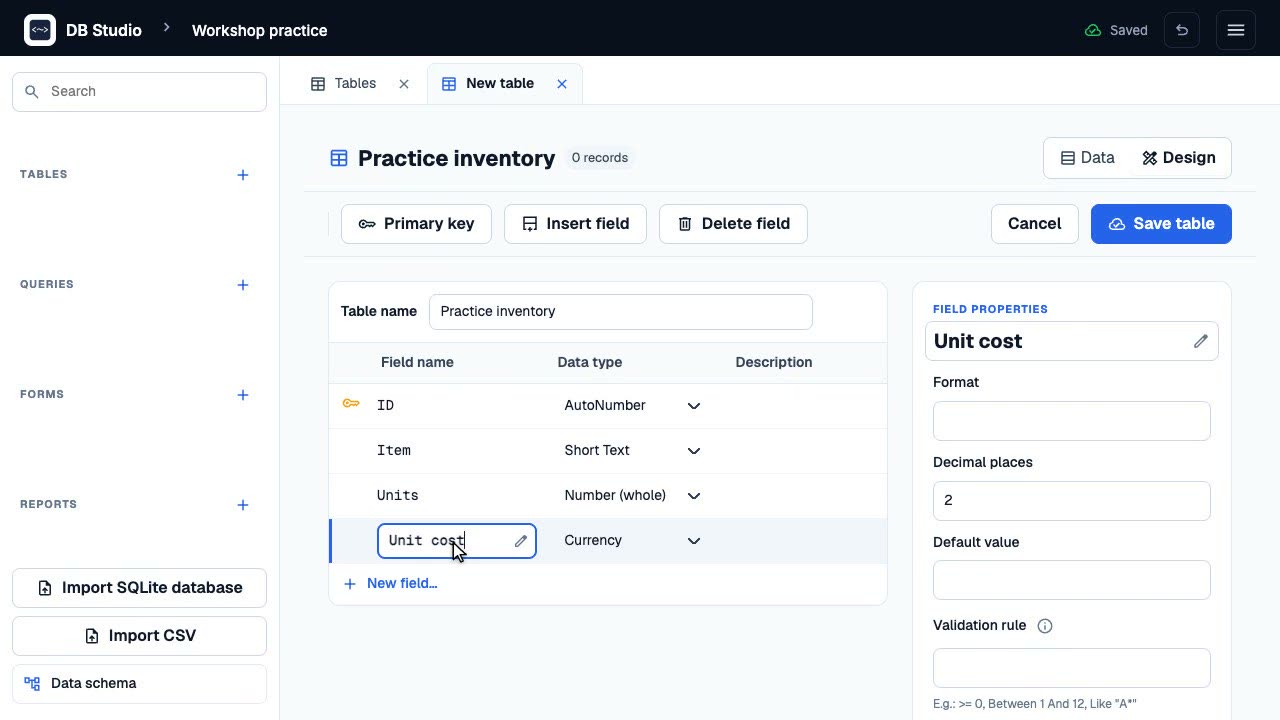
Students can practise tables in design view, Access-style field types, primary keys, the Lookup Wizard, relationships, a query designer, forms, and reports.
| Capability | DB Studio | Microsoft Access | LibreOffice Base |
|---|---|---|---|
| Cost and install | Free (Runs in the browser) | Paid (Microsoft 365, Windows desktop app) | Free (Desktop install (Windows, macOS, Linux)) |
| Works on Chromebooks/tablets | Yes (In a modern browser; designers need a desktop) | No (Windows only) | No (Desktop install only) |
| Tables, field types, primary keys | Yes (12 Access-style types) | Yes | Yes |
| Relationships with referential integrity | Yes | Yes | Yes |
| Visual query designer | Yes (Select, update, delete, append, make-table; no crosstab) | Yes (Includes crosstab) | Yes |
| SQL | Yes (SQLite SQL with hints for Access syntax) | Yes (Access SQL) | Yes (HSQLDB/Firebird SQL) |
| Forms | Partial (Form designer with basic controls and subforms) | Yes (Full form designer) | Yes |
| Reports | Partial (Report wizard with grouping and totals; simple column layout; print via browser) | Yes (Full report designer, PDF export) | Yes (Report builder) |
| Macros and VBA | No (Not supported) | Yes | Partial (Macros in LibreOffice Basic) |
| Works offline | Partial (After the first online visit) | Yes | Yes |
| Ukrainian interface | Yes | Yes | Yes |
| Where data is stored | Partial (In this browser on this device; export to .sqlite) | Yes (A .accdb file you save) | Yes (An .odb file you save) |
Comparison reflects DB Studio version 0.1.0 and general product descriptions of Access and Base for introductory lessons; check those products' current documentation.
For a guided walkthrough, see Import an Access file into DB Studio
Encrypted or password-protected files are refused. The whole file is read into memory, so very large files may not open. Nothing is uploaded; import happens in your browser.
Rebuilding queries in the query designer can be a useful learning exercise.
A desktop database may be the better fit if you need:
Follow these tutorials to import an Access file, build tables and queries, and save your work.
Import your Access file locally, review what was preserved, check tables and records, then export and reopen a SQLite copy.
Design a table with an automatic key and useful field types, add three records, and export the database.
Filter and sort Makerspace records in DB Studio, save the query, and inspect its SQL.
Export a SQLite file, hand it in or move it to another computer, and import it without losing a same-named database.